
Danmaku System: Sending, Settings & Server Protocol
Danmaku is the Chinese internet’s unique design for companionship: with comments flying across the frame, watching alone feels like watching together. Building it into your site means three layers: rendering (how they fly), interaction (how viewers send), distribution (how many people sync). ZWPlayer ships the first two built-in and leaves the third to your danmaku server — this article covers each layer.
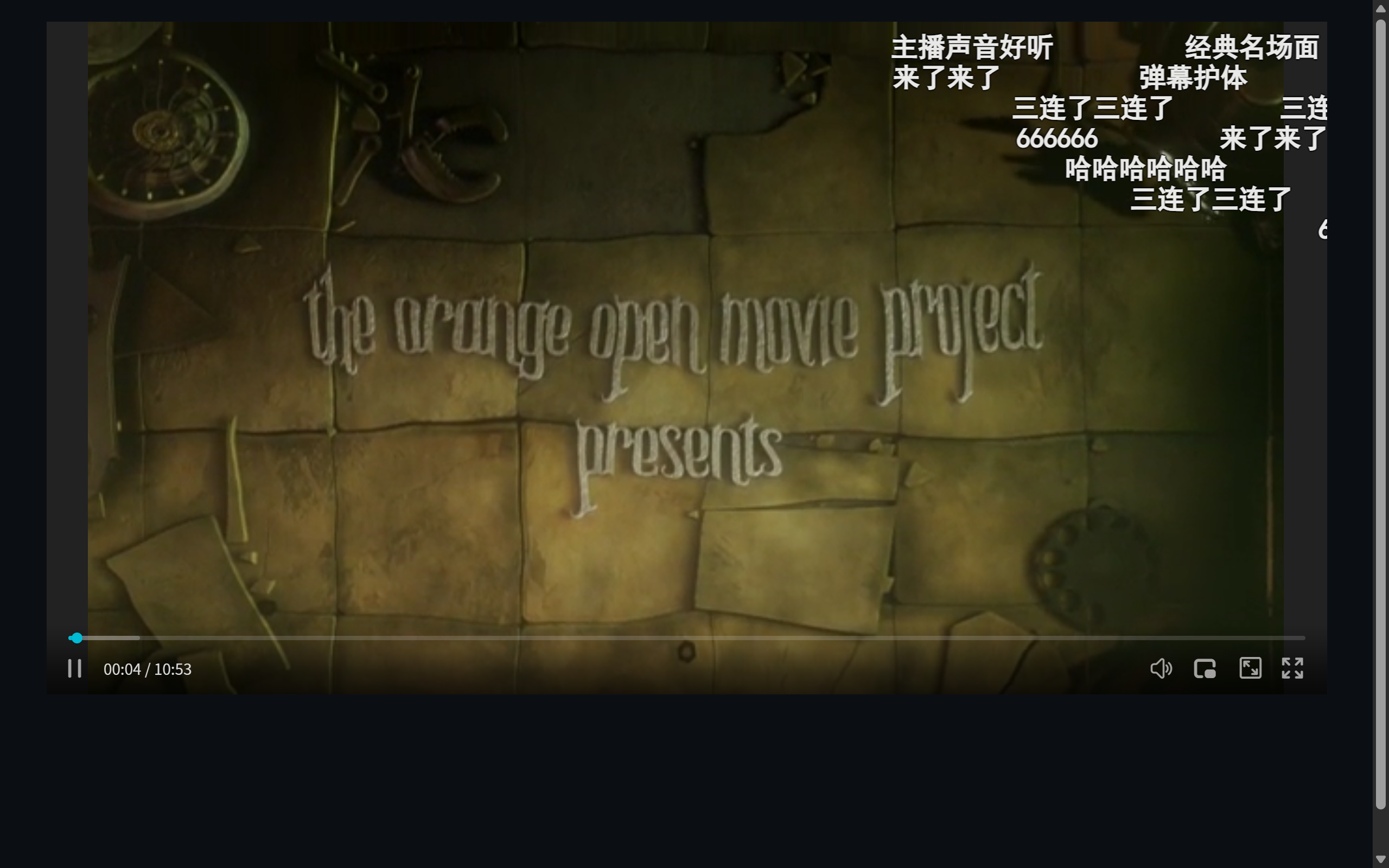 Figure 1: danmaku rendering — the send bar at the bottom, settings entry at right
Layer 1: Rendering — Switch
new ZWPlayer({
  playerElm: 'player',
  url: 'video.mp4',
  enableDanmu: true,
});
The danmaku layer takes shape: scrolling comments, lane anti-overlap, size/speed/opacity styling, D to toggle. Enter focuses the send box. Details in the shortcuts list.
Layer 2: Injection and Sending
Runtime injection — every source (history files, live WebSocket messages, your own generated content) funnels through API:
player.appendDanmu({ text: 'Heads up, big moment!!' });
// an optional setting overrides defaults (color/size/speed)
Viewer sending — the control bar ships the input; where messages go is your config (the sendDanmu callback) wired to your backend or danmaku server.
Layer 3: Designing the Danmaku Server
Multi-user sync needs a distribution layer; WebSocket is the standard answer. Design points:
- Room model: room per video (
room = 'video_' + id); join/leave messages maintain presence; - Message format: a uniform JSON envelope —
{type: 'danmu', text, user, color?}— broadcast as-is to the room; - History: fetch history over HTTP on join (cached by timestamp), then take WebSocket increments — full for replays, live for the stream;
- Auth & rate limits: uids issued server-side (anti-spoofing), send throttling (anti-flood);
- Scale: thousands of concurrent rooms per WebSocket node is ordinary — messages are small and stateless, so scaling is cheap.
ZWPlayer binds to none of it — with appendDanmu and sendDanmu, self-built servers, open-source services, and clouds are equally welcome.
The Settings Panel
Viewers get the built-in panel: size, speed, opacity, display region (half/full/off), color. Products can preset site style via the setting parameter — e.g. half-screen by default so danmaku never covers dual subtitles.
Scenario Advice
- VOD sites: timestamped history danmaku for companionship;
- Live: real-time WebSocket distribution — pair with low-latency protocols so comments keep pace with the scene;
- Education: cautious or off by default — danmaku is atmosphere and distraction both; leave the switch to viewers;
- Corporate training: danmaku becomes in-class Q&A, paired with the quiz component.