
Video Anti-Recording: Watermarks, Marquee & Tracing
Three months after your paid course launches, a “complete screen-recorded bundle” shows up on a resale site for pocket change — the most painful cut in the content business. Perfect prevention is impossible (screens can always be captured), but deterrence and traceability are not: make every recording carry the pirate’s identity. This guide assembles the playback-side playbook: three watermark behaviors × identity macros × visual configuration, closing the loop of “record it and it can be traced”.
The Realistic Logic: Deterrence + Traceability
Set expectations first: browser-sandboxed DRM is not omnipotent (screen recorders capture at the OS layer, invisible to the page). Mature protection has two layers:
- Deterrence: the prospective pirate sees the watermark and knows a clean resale is impossible — a roaming watermark cannot be cropped away (cropping destroys the picture) and tiling makes redaction cost more than the content is worth;
- Traceability: the watermark embeds the viewer’s identity (user ID, masked phone, IP, timestamp). When a leak surfaces, glance identifies the source — the defense narrows from “stop everyone” to “prosecute someone”, which is operationally real.
ZWPlayer’s watermark system (the ZWMAP watermark spec) is designed around exactly this logic.
Three Watermark Behaviors: static, dynamic, tile
Watermarks arrive via the watermarks config (array, ZWMAP object, or URL to a JSON file), each entry with of three behaviors:
static — the brand layer
A fixed text or image: your logo, your copyright line. It does not stop recording; it states ownership.
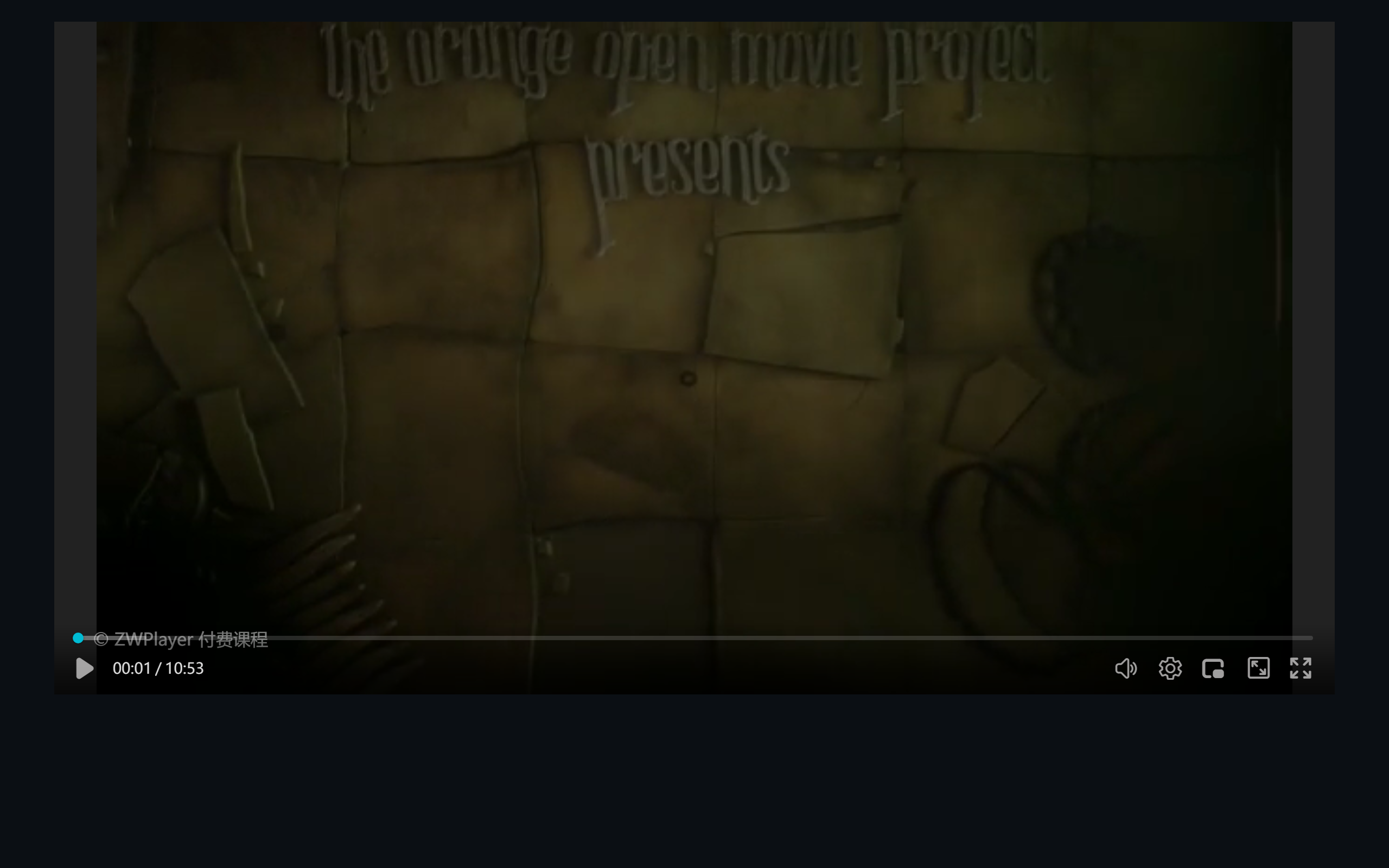 Figure 1: a static text watermark — the copyright line at bottom left
dynamic — roaming, the anti-record core
The watermark moves across the frame (horizontal/vertical/diagonal/random direction) and bounces at the edges. Recorders cannot predict its position; cropping and tracking blur are both expensive. interval/duration add hide-and-reappear cycles.
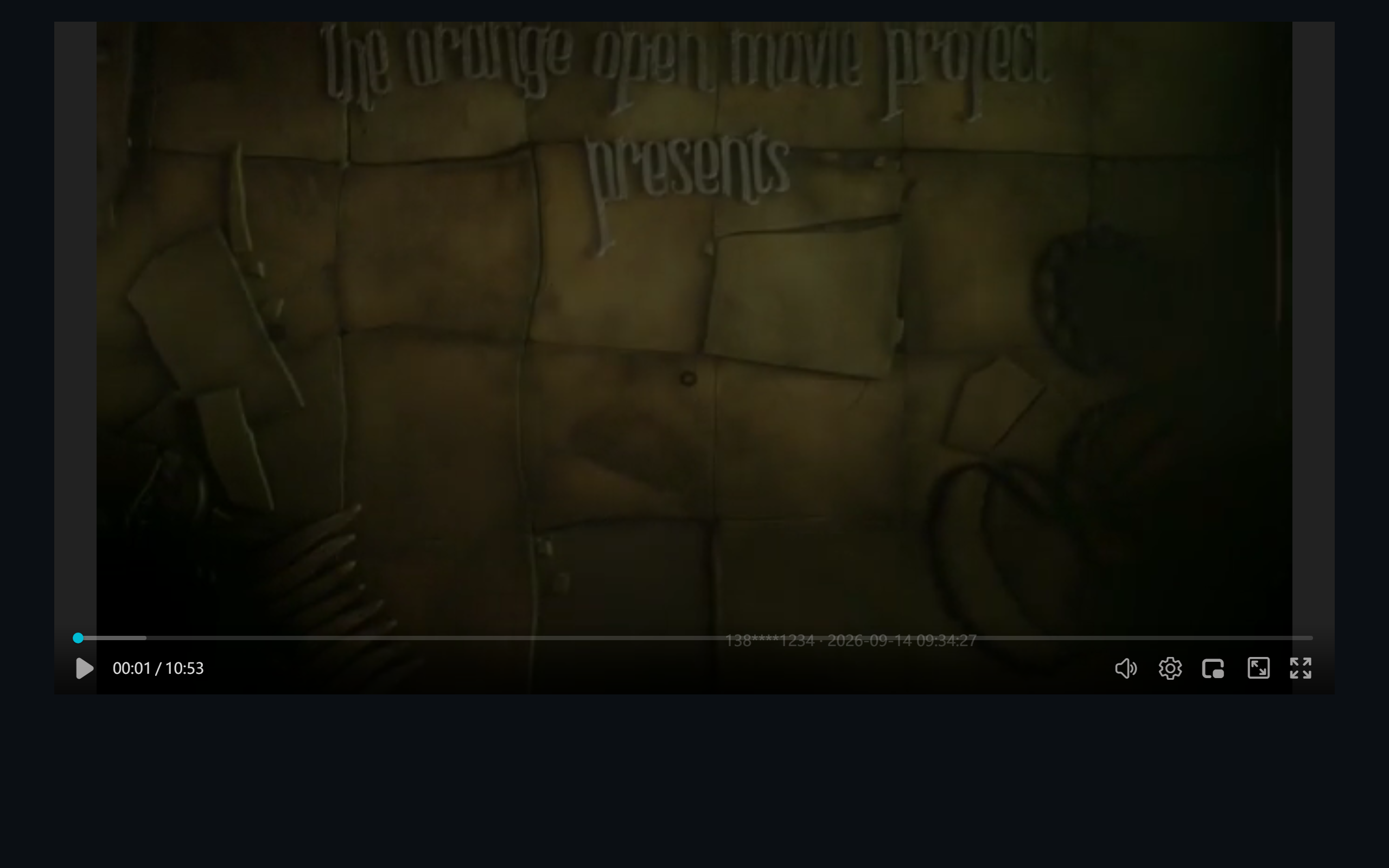 Figure 2: a roaming watermark carrying user ID and live time, moving as playback runs
tile — full-screen tiling
Text laid out as a tilted grid across the frame (angle, row/column spacing adjustable) — a dense watermark matrix. Blurring spot is meaningless; erasing the whole layer ruins the picture.
 Figure 3: full-screen tiled watermark on a -30° grid
The combo
All three can mount together — static for the brand, dynamic for “ID + time”, tile for the internal-use notice. Three layers on frame:
 Figure 4: static + dynamic + tile — the recommended setup for paid content
The Key to Tracing: Macro Variables
Watermark text supports {key} template variables resolved at play time:
{sys_time}: the client’s local time, updated every second — the timestamp in a leaked copy is the incident time;- Custom variables: passed via the player’s
variablesoption, typically the logged-in user’s masked phone or member ID:
new ZWPlayer({
  playerElm: 'player',
  url: '/course/lesson-01.mp4',
  watermarks: '/course/wm.json',          // any of the three forms
  variables: { user_id: '138****1234' },  // rendered server-side into the page
});
The server injects the current viewer’s identity into variables — every viewer watches a frame printed with their own ID. When a copy leaks, match the ID. The full mechanism is defined in the ZWMAP watermark spec (zwmap-060).
Visual Configuration: Watermark Studio
Hand-writing watermark JSON is error-prone. The online watermark editor gives you visual configuration: load a video for live preview, manage layers in a list, tune properties in the panel, and export standard ZWMAP JSON straight into the player.
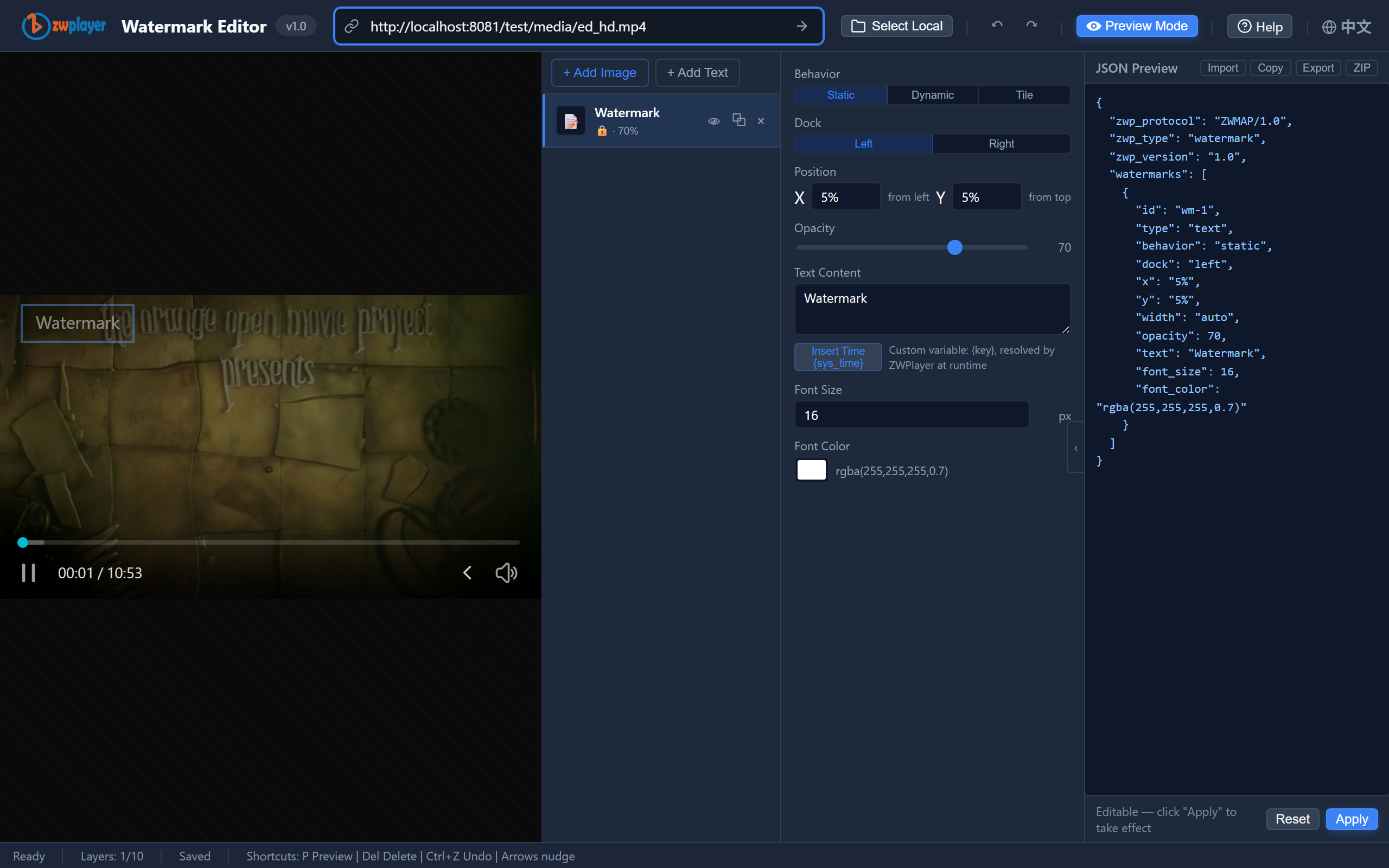 Figure 5: Watermark Studio — layer list, property panel, live canvas preview
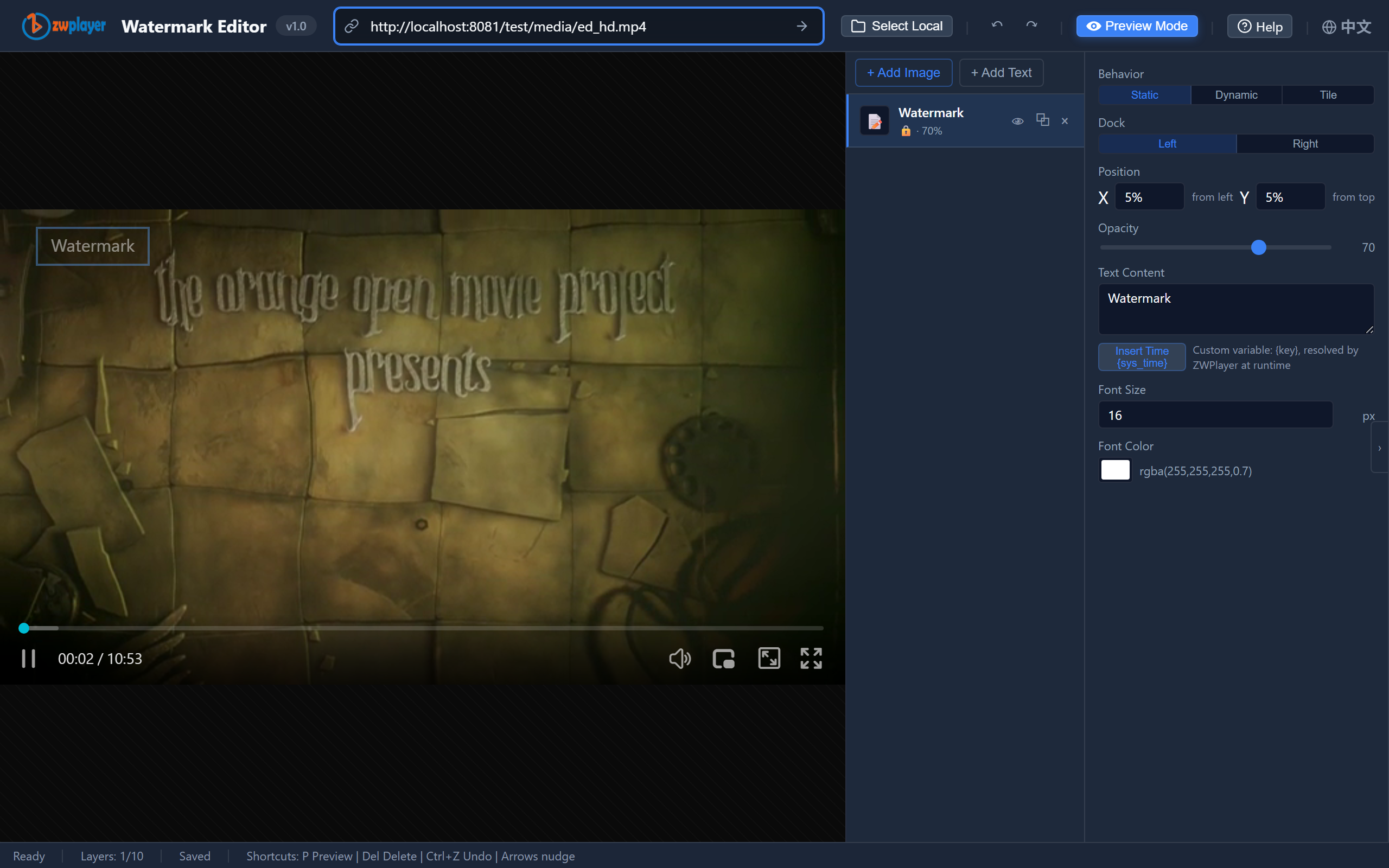 Figure 6: the JSON panel exporting a standard ZWMAP watermark structure
Rollout Checklist
- [ ] Static layer: brand/copyright text (~70% opacity — readable, not loud);
- [ ] Dynamic layer:
{user_id} · {sys_time}, random direction, medium speed (~3); - [ ] Tile layer (for higher sensitivity): internal-use notice + user_id at ~22% opacity;
- [ ]
variablesinjected server-side from the login session — never hardcoded client-side; - [ ] Keep watermark JSON separate from videos; changing strategy never re-transcodes;
- [ ] Legal support: state in your terms that watermarks carry identity — tracing needs a basis.
For a horizontal comparison of CSS overlay vs. player-native vs. FFmpeg burn-in, see Four Ways to Add Watermarks to Web Video.