
HLS/DASH Subtitle Preload: Search & Export Stream Subs
There is a line in an HLS series you half-remember and want to find; or you want the DASH lecture’s subtitles as an SRT for your notes. Ordinary web players cannot do either — stream subtitles materialize as playback progresses, so the text is never in your hands. ZWPlayer’s subtitle preload changes that: the player pulls entire subtitle tracks alongside playback, turning subtitles from ephemeral pixels into searchable, exportable, translatable data. This article covers how it works, how to configure it, and what it unlocks.
The Problem: Why Stream Subtitles Slip Through Your Fingers
Both HLS and DASH can declare subtitle tracks in the manifest:
- HLS: the master playlist lists tracks with
#EXT-X-MEDIA:TYPE=SUBTITLES; each track is its own subtitle sub-playlist (captions.en.m3u8) with WebVTT text hidden inside ts/mp4 segments; - DASH: the MPD declares an AdaptationSet with
contentType="text", typically segmentedtext/mp4(TTML boxed in ISO-BMFF containers).
The catch is default playback behavior: engines (hls.js/dash.js) fetch a segment’s subtitles as playback approaches it — just enough to display. Efficient for the engine, but the user’s copy of the text is always just “the few lines currently on screen”. Search needs the full text, export needs the whole track, AI translation needs everything — none of it exists client-side.
For the manifest formats themselves, see HLS and the m3u8 Format: A Complete Guide and the DASH MPD deep dive.
What Preload Does: A Subtitle Side Channel
ZWPlayer opens a bypass lane next to the playback engine:
- Parse the manifest and enumerate all subtitle tracks (HLS
EXT-X-MEDIA, DASH text AdaptationSets); - Fetch every segment of every track immediately — HLS pulls tracks in parallel; DASH parses the ISO-BMFF boxes, extracts the TTML, and merges it into a complete cue list;
- Register the full tracks in the player’s subtitle list with the same standing as external SRT/VTT: switchable primary/secondary, dual display, per-cue seeking.
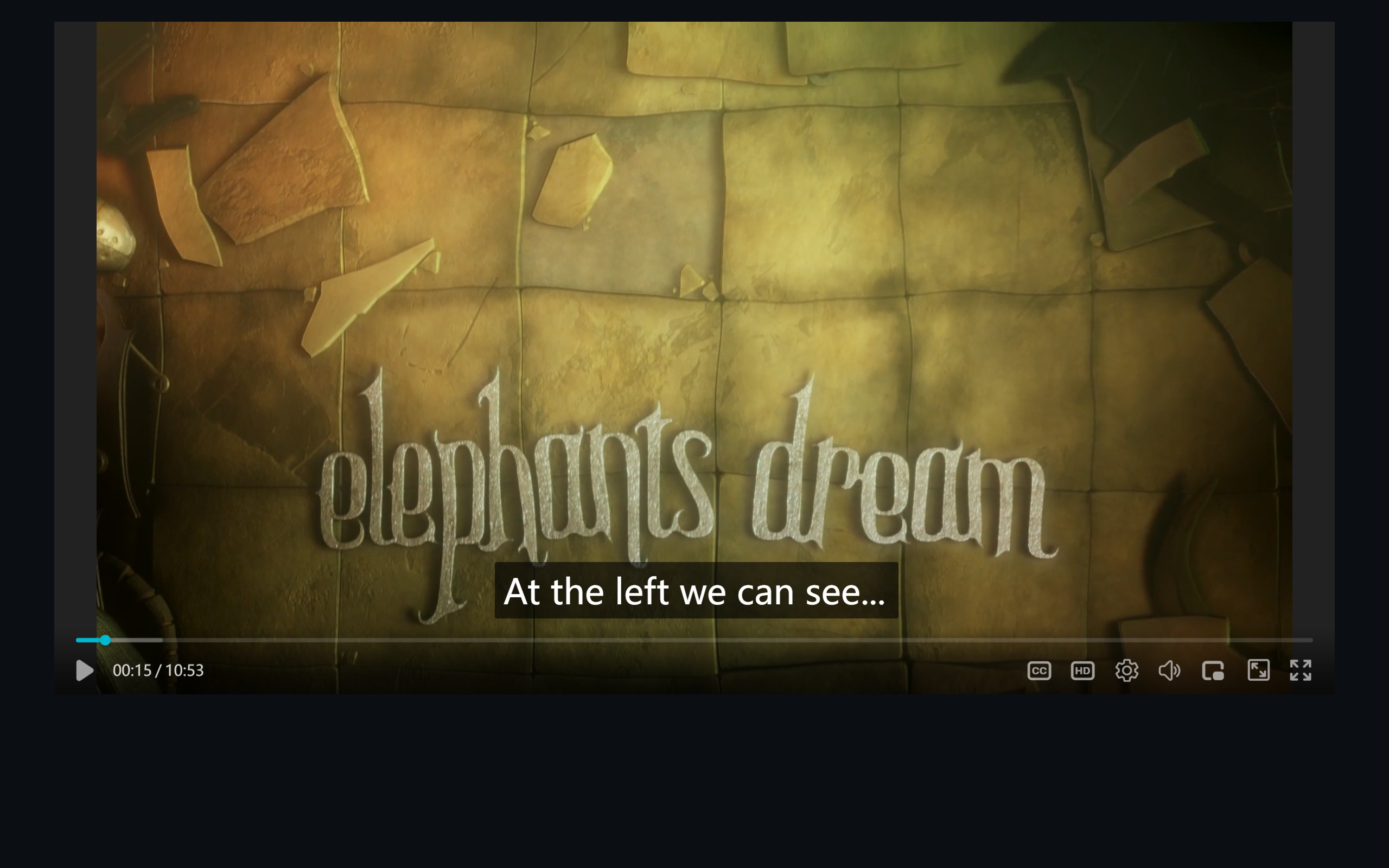 Figure 1: embedded English subtitle on an HLS stream — the full track is already fetched in the background
DASH works the same way (TTML extracted from mp4 segment boxes):
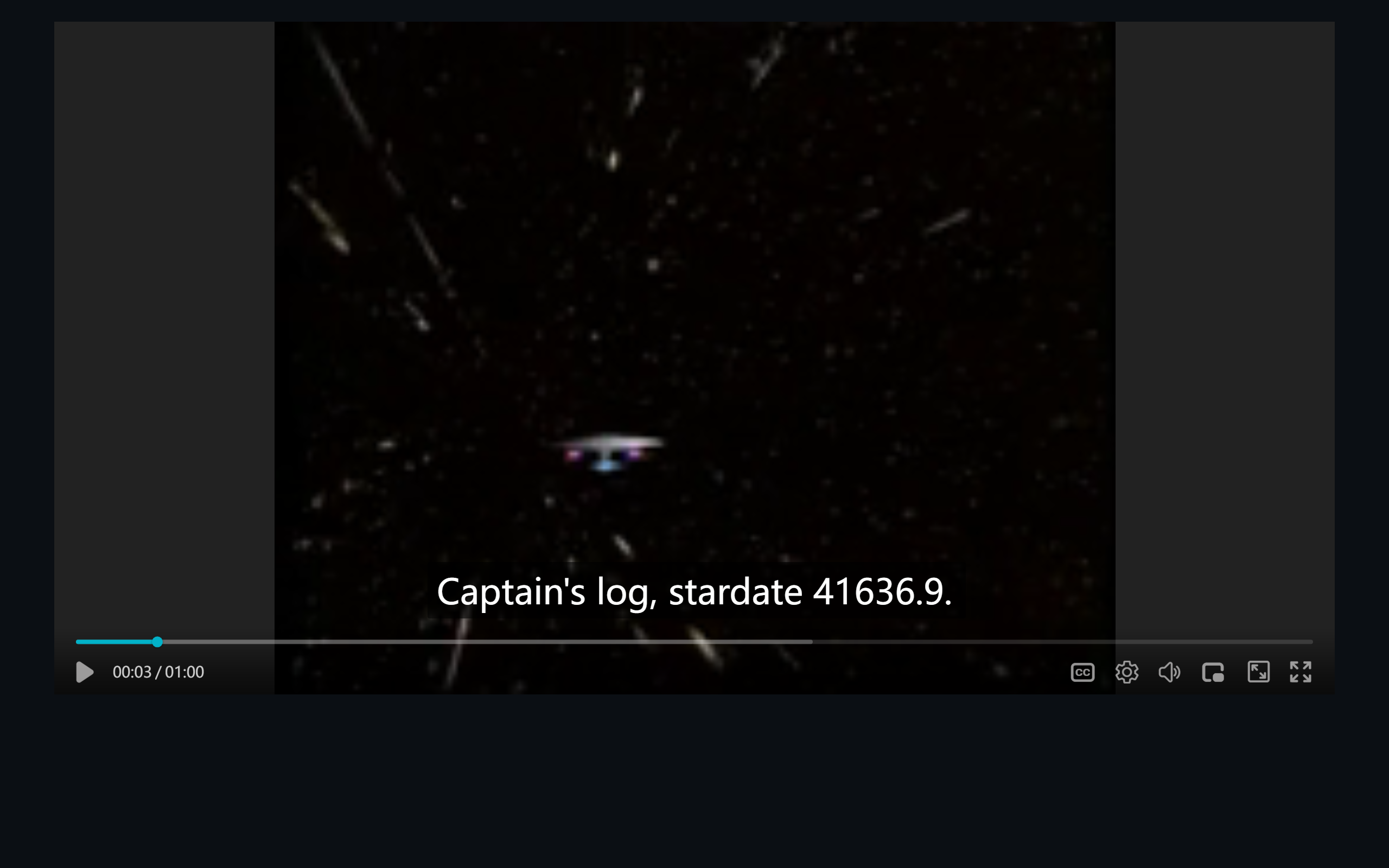 Figure 2: embedded subtitle on a DASH stream (“Captain’s log” scene)
One pragmatic detail: live streams fall back automatically. There is no “whole track” in a live stream, so the DASH path detects isLive and quietly reverts to engine-native subtitle behavior instead of fetching pointlessly.
Configuration: On by Default, Zero Config
Preload is on by default — no extra options needed:
new ZWPlayer({
  playerElm: 'player',
  url: 'https://example.com/stream/master.m3u8',
});
The player handles the details itself: whole-track fetching for VOD, parallel multi-language tracks, and automatic fallback to engine-native behavior on live streams.
Once You Have the Text: Three High-Value Applications
Application 1: Full-text search over stream subtitles
With the track local, the search panel indexes the entire video — not just “what has played so far”:
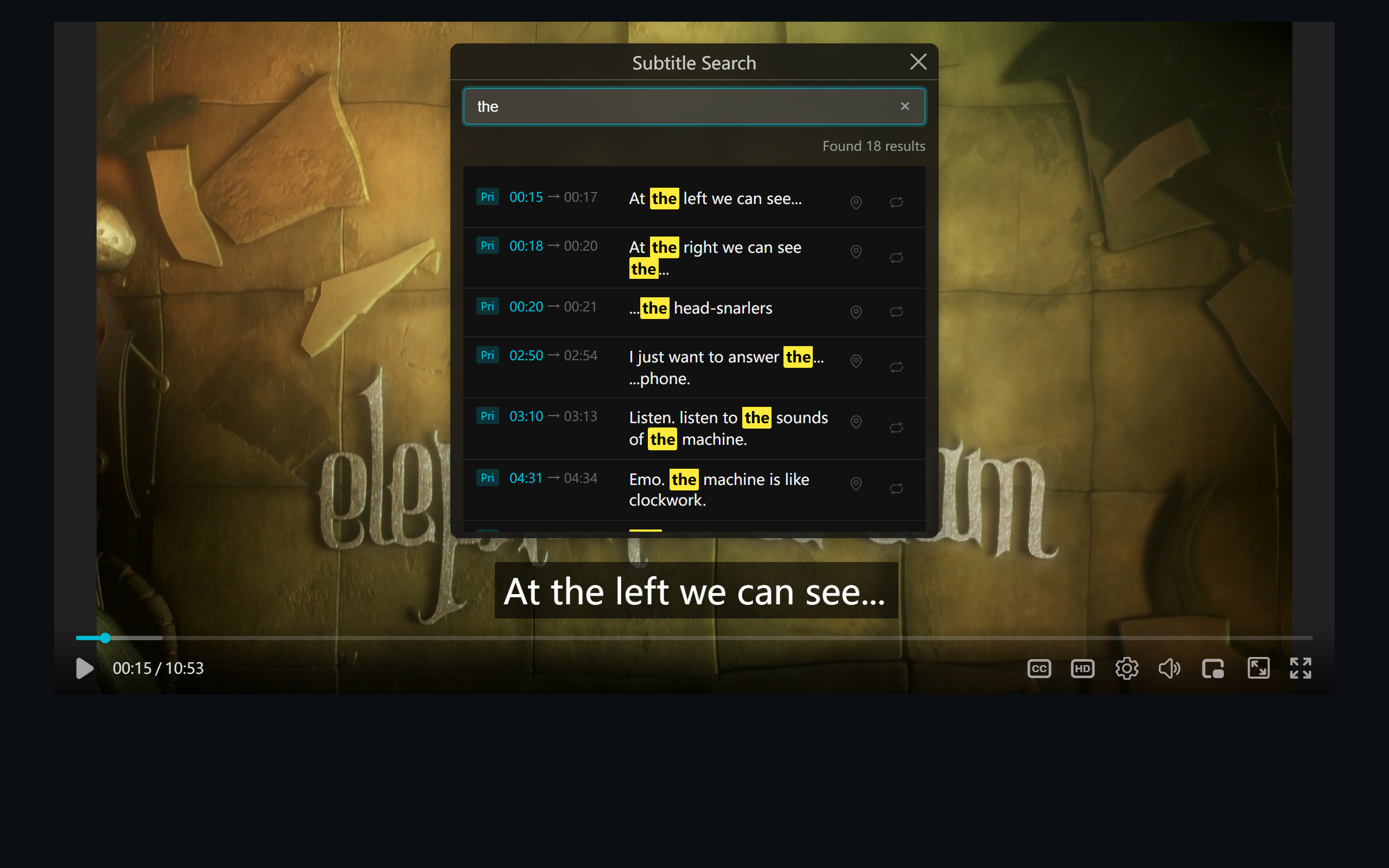 Figure 3: searching “the” across the full text — click a hit to seek instantly; cross-video search works too
For long courses, lectures, and proceedings, this is effectively a full-text index over video.
Application 2: Export SRT
The subtitle menu offers per-track export: the fetched track becomes an SRT file in click, ready for editors, note apps, or translation pipelines. For language learners and content re-creators, this is the line between “watching online” and “owning the data”.
Application 3: Feed AI translation
Whole-track text is the input AI translation needs. Point translateApi at a subtitle service, pick a target language, and the translated track mounts as the secondary track (see AI Subtitle Translation).
Boundaries and Notes
- CORS: the bypass fetches via browser fetch — subtitle segment sources must allow cross-origin (same requirement as the main video); front an uncontrollable origin with a self-hosted proxy;
- Encrypted streams: AES-128 HLS subtitle tracks require key access; DRM-level encryption is out of scope;
- Performance: the fetch is small pure-text segments in the background with bounded concurrency; in extreme cases, lower the concurrency.
Summary
Subtitle preload upgrades HLS/DASH embedded subtitles from a playback side effect into user data: on by default, live-safe, and fully equal to external tracks fetched. Combined with full-text search, SRT export, and AI translation, long-form content becomes searchable and reusable. Paste a subtitled m3u8 into the M3U8 player to try it yourself.