
How to Choose a VR Video Player: 360° Playback Options
You have a 360° video — a scenic tour, a property walkthrough, panoramic surveillance, or a classroom recording. The next question is always the same: where and how will people watch it? This guide walks through the four families of panoramic playback solutions, explains where each shines, and ends with a decision table. Whether you are a creator or a site developer, you will find your row.
A Quick Primer: What 360° Video Actually Is
The defining difference: a 360° video records the entire sphere around the camera. To fit into a normal video file, the sphere is flattened with equirectangular projection into a 2:1 rectangle — the same idea as unrolling a globe into a world map. Horizontal is longitude (a full 360°), vertical is latitude (pole to pole).
That is why the fastest way to tell whether a file is panoramic footage is to check the aspect ratio: is it close to 2:1? During playback, the player maps that “world map” back the inside of a sphere and places the viewer at the center — turning your view is looking around inside the ball. In browsers this “sphere mapping + center camera” rendering is done with WebGL; native apps use the system graphics stack.
One more distinction worth knowing: 3DoF vs. 6DoF. 3DoF (three degrees of freedom) means you can turn your head to look around while staying in place; 6DoF adds physically walking through the scene and usually requires a VR headset with positional tracking. Web and mobile panoramic playback today is 3DoF — “immersive looking”, not “walking around”. Keep that boundary in mind while choosing.
Four Questions to Answer Before Choosing
- What device will viewers use? Headset, phone, or desktop browser — the best answer differs for each.
- Where does the content come from? Local MP4 files, your own streaming server (HLS/DASH), or a third-party platform.
- Does it need to live inside your own website? Platforms are convenient but the page belongs to them; self-hosted playback embeds into your product pages.
- Do you need headset-grade immersion? If yes, go native headset. For looking around on a web page, a WebGL player is more than enough and far cheaper.
The Four Families, by One
Family 1: Native playback on VR headsets — the immersion ceiling
Standalone headsets like Meta Quest and Pico ship with video apps and browsers. Panoramic content renders in stereo, head motion drives the view, and controllers can click hotspots. This is the upper bound of immersion — ideal for personal viewing, exhibition booths, and offline experience centers.
The boundary is equally clear: distribution. Viewers must put on a headset, open an app, and find your content — for a website owner, that chain hands the audience to someone else’s front door. Headsets are for “visit and experience”, not for “distribute content”.
Family 2: Desktop local players — best friends of local files
DeoVR, SKYBOX, and PotPlayer handle local panoramic files well: drop a file in, the 2:1 aspect is recognized, drag to look around, some can output to a headset. VLC offers basic 360 playback with a rougher experience.
Great for managing footage, checking final cuts, and personal viewing. The limitation: local files only. Your website visitors will not download a multi-gigabyte MP4 and install a player first, so this family cannot carry distribution.
Family 3: Video hosting platforms — convenient, with platform rules attached
YouTube and Vimeo both accept 360° uploads, auto-detect the format, and deliver immersive playback on web and mobile with gyro-based viewing. Zero development cost and built-in discoverability; the price is ads, limited branding, region availability you do not control, and an iframe — not a component — when embedding into your site.
Fine for creators and early experiments. Commercial use cases (property showings, paid courses) eventually hit the platform ceiling.
Family 4: Self-hosted web playback — the right answer for embedding
Building panoramic playback into your own pages is the mainstream choice for tourism, real estate, education, and security. Two roads:
- Build it yourself with a WebGL library such as three.js: video textures on a sphere, camera controls, interaction. Flexible — but you own projection math, performance tuning, mobile gyro permission handling, and streaming protocol integration. Budget weeks.
- Use a player with VR built in, such as ZWPlayer: config line enables panorama; plain MP4, HLS, DASH, FLV, and WebRTC streams can all enter VR mode; drag/wheel interaction works out of the box.
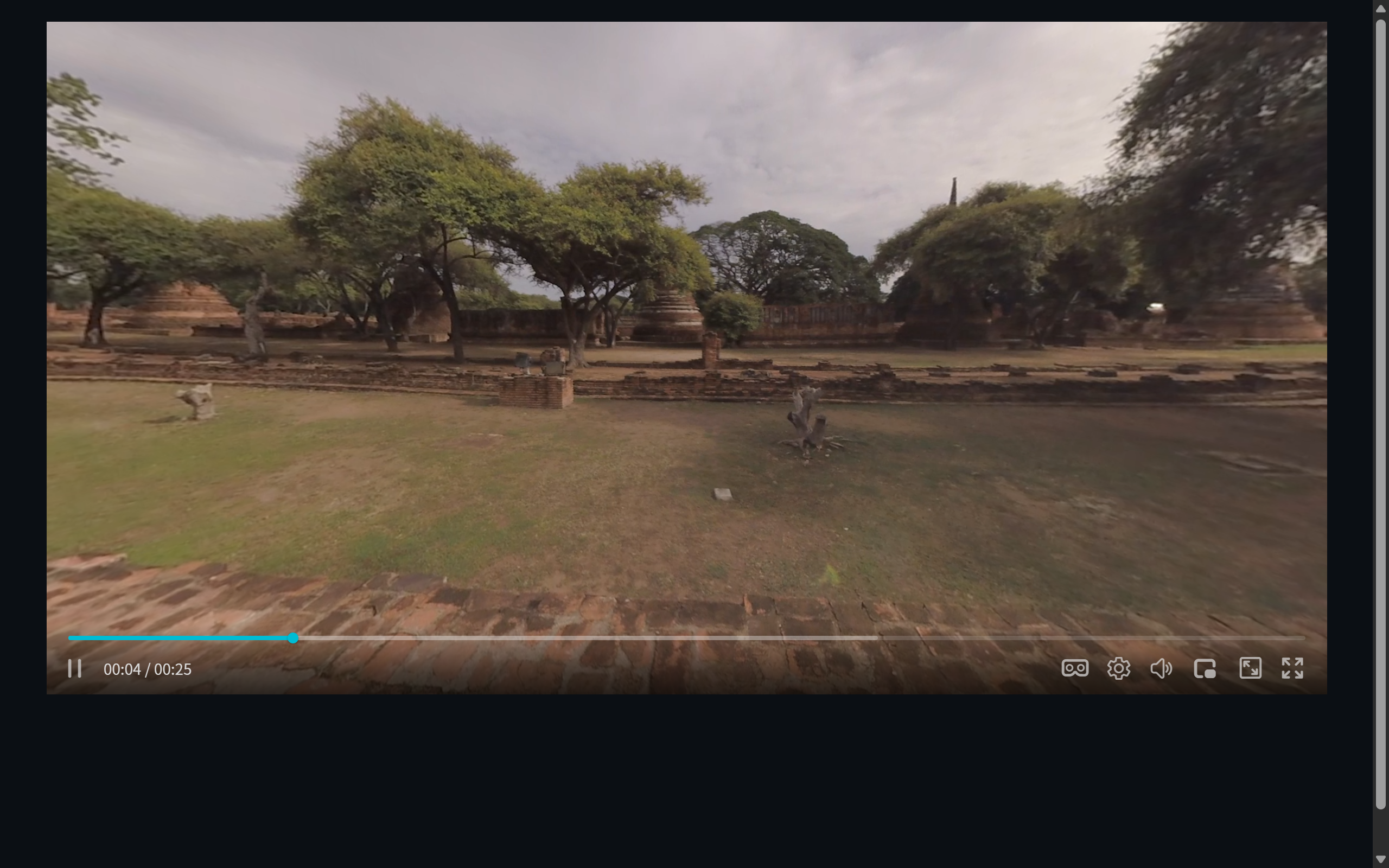 Figure 1: 360° playback on the web with ZWPlayer — the natural first-person view after sphere mapping
The shared boundary of web solutions: they target ordinary browsers and phones with 3DoF “look around” — no stereo headset rendering or positional walking (that requires WebXR and device support). For the vast majority of showcase and teaching scenarios, that boundary is exactly right.
ZWPlayer’s Panorama Offering at a Glance
On the self-hosted road, ZWPlayer (since v3.3.1) ships VR playback with a few highlights:
- One line to enable:
vr: trueturns it on and adds a VR button to the control bar;vr: 'auto'enters panorama automatically when a 2:1 aspect is detected, leaving normal videos untouched. - Every protocol can go VR: not just MP4 — HLS (m3u8), DASH, FLV, and WebRTC streams can all switch into panoramic view, which makes panoramic live streaming possible.
- Programmable view: initial yaw, pitch, and field of view are all config options; a built-in view panel lets you tune live and copy the resulting config with click.
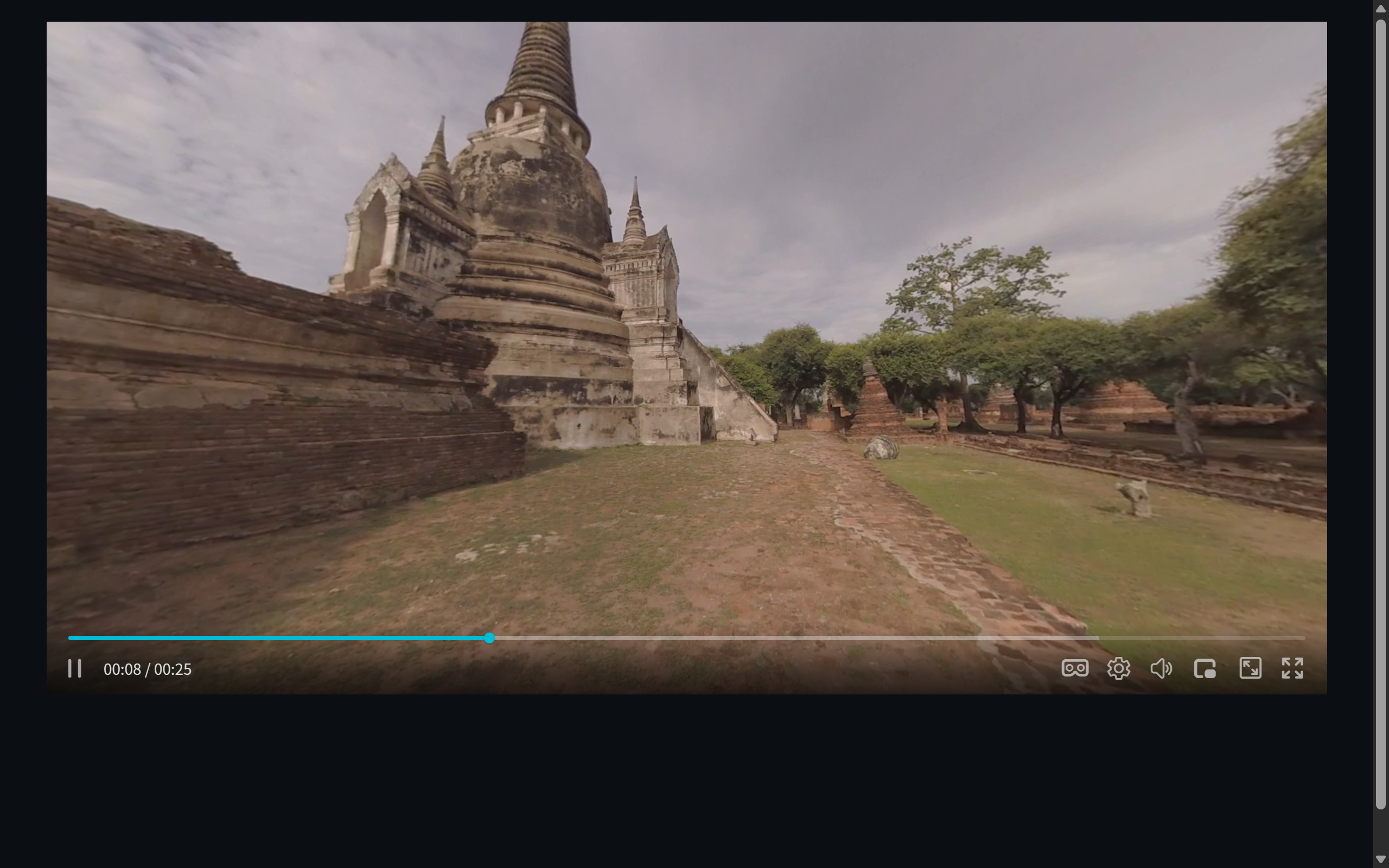 Figure 2: after dragging the view and zooming the field of view with the wheel
For the full parameter walkthrough, see the hands-on piece: Play 360° VR Video on the Web with Config Line.
Decision Table
| Family | Immersion | Embed in your site | Streaming support | Dev cost | Best for |
|---|---|---|---|---|---|
| VR headset | ★★★★★ | No | Varies by platform | None (device apps) | Offline experience, personal viewing |
| Desktop player | ★★★ | No | Local files mostly | None | Footage checks, local viewing |
| Hosting platform | ★★★ | iframe only | Platform transcoding | Zero | Creators, experiments |
| Self-hosted web (ZWPlayer et al.) | ★★★ | Native embed | MP4/HLS/DASH/FLV/WebRTC | One config line | Tourism, real estate, education, security, live |
Frequently Asked Questions
Are 360° video and VR video the same thing? Colloquially yes. Strictly, 360° video describes the format (the frame covers the whole sphere) while VR video emphasizes the immersive viewing mode. Web panorama playback is “360° video + 3DoF browsing”.
Do I need a plugin to play 360° video in a browser? No. Every modern browser ships WebGL; panorama renders in-page, including on phones.
Can phones use the gyroscope to look around? Not currently — on mobile, swipe to look around.
My panorama files are huge — how do I speed up loading? Panoramic footage is high resolution (commonly 4K–8K). Convert to HLS/DASH for chunked on-demand loading, or ship a preview bitrate first. The full pipeline is covered in From Shooting to Publishing: 360° Video Web Workflow.