
Power-User Playback: A-B Loop, Frame Stepping & Zoom
“Advanced features” aren’t showing off — they are hard requirements for specific people: language learners need A-B shadowing, reviewers need frame stepping, binge-watchers need louder, sports fans need to see the footwork. ZWPlayer puts them keystroke away — this tour covers each with a “who needs it most”.
A-B Loop: Passage, Repeated
The segment button (or toggleSegment()) pulls draggable handles the progress bar: set start and end, the range loops forever. Handles adjust at frame granularity — “again”, down to the frame.
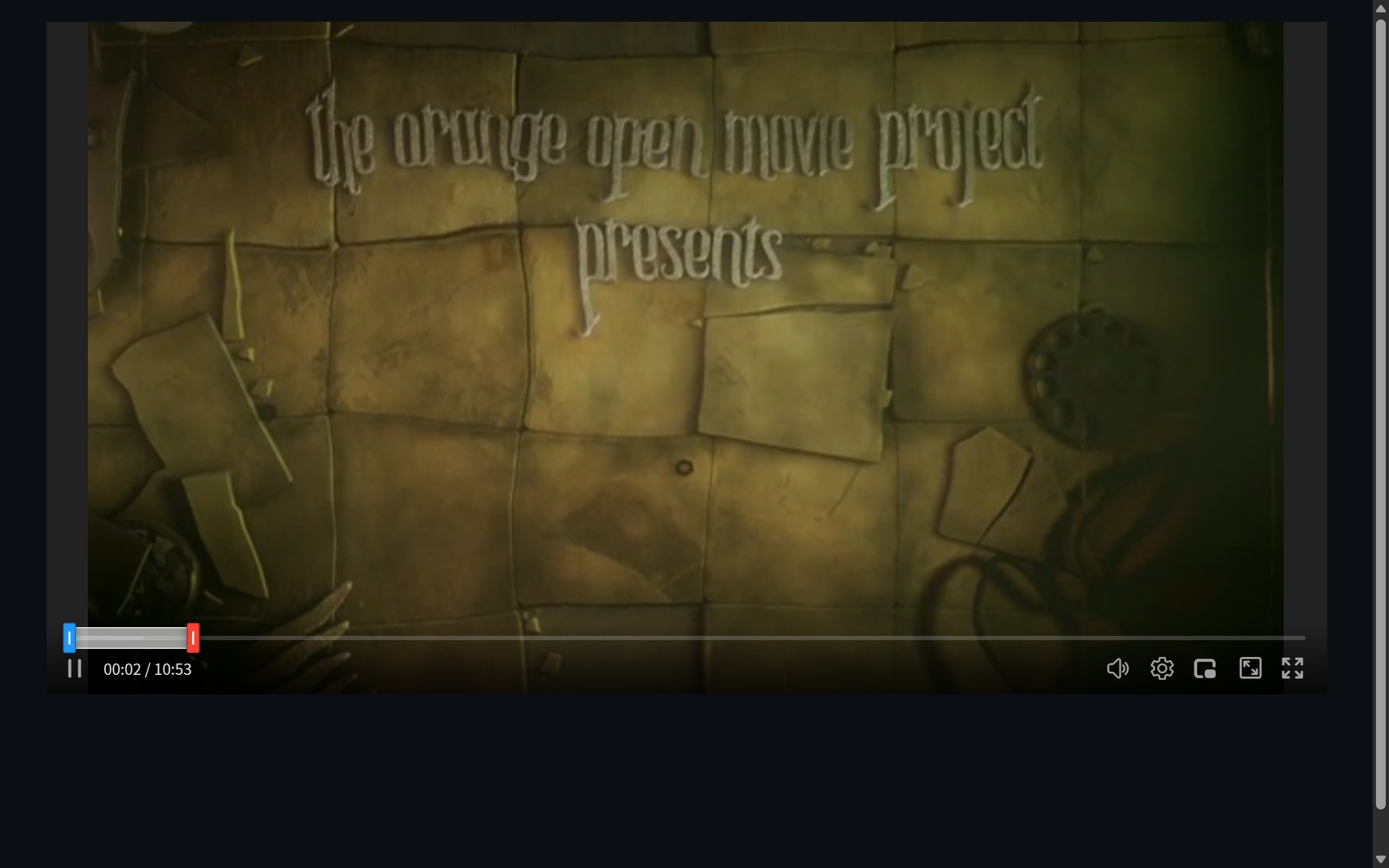 Figure 1: the A-B loop handles on the progress bar
Who needs it: language shadowing (loop a sentence until fluent), instrument transcription (loop the phrase), workout follow-alongs, dance teaching. Paired with subtitle looping (loop by cue line) it is a language-learning weapon.
Frame Stepping: Frame at a Time
, and . walk back and forward at 1/30 s. Pause, then inspect — continuity errors, motion detail, chart data all become visible.
Who needs it: film workers (transitions and goofs), sports analysis (movement breakdown), legal/compliance review.
Volume Boost: Up to 4×
Built-in gain (in the volume panel, up to 4×) lifts “unintelligible whispers” without external speakers.
Who needs it: late-night headphone viewers at max device volume, foreign-language listening practice, restored archival recordings.
The Magnifier: Local Zoom
Press Z, move the cursor — a circular lens follows and zooms whatever is under it. WebGL frames (VR panoramas included) zoom too, at the engine level.
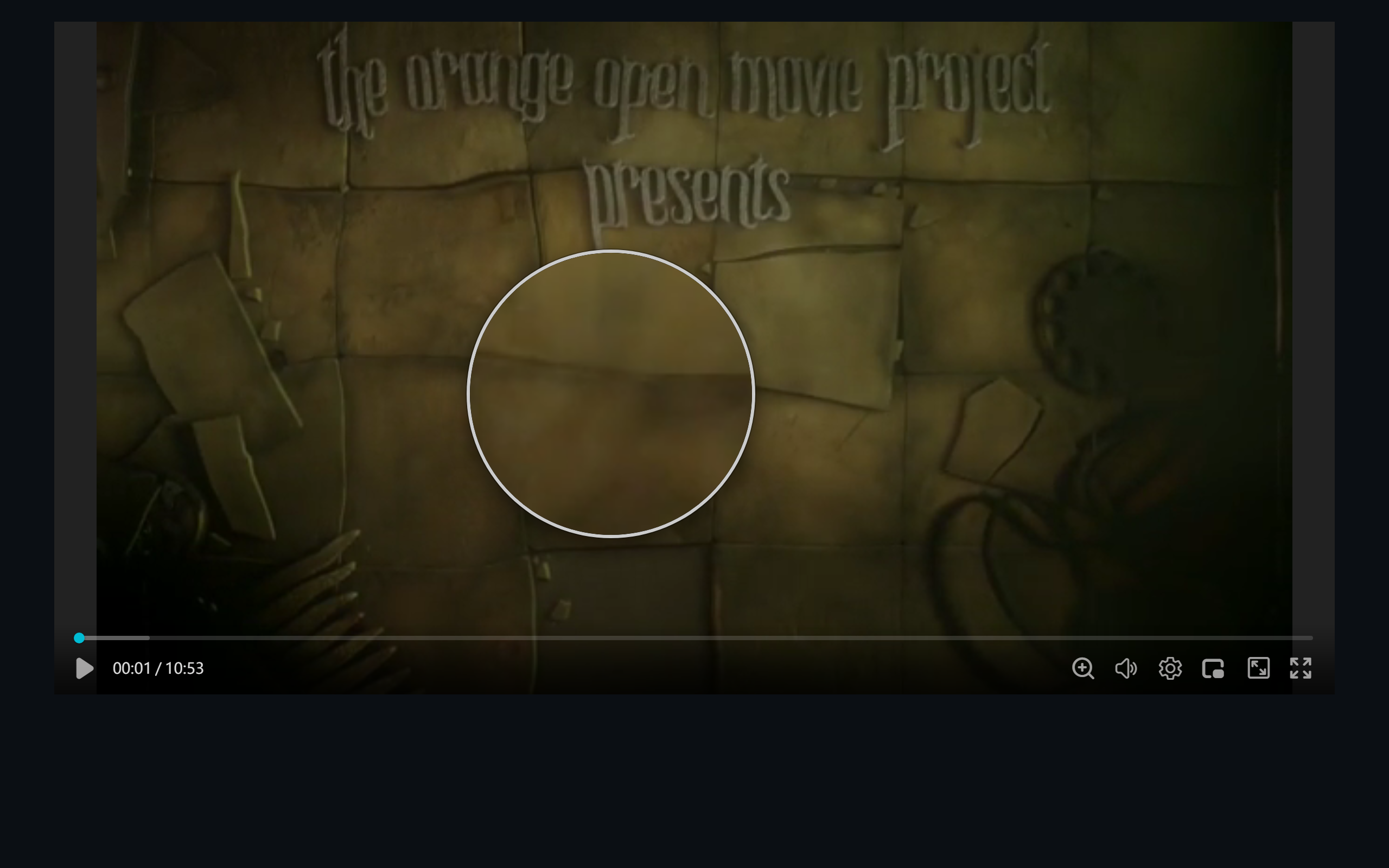 Figure 2: the circular lens zooming the area under the cursor
Who needs it: teaching (“look here, in the corner of the frame”), game and sports replays, map-and-chart videos.
Recording & Audio Extraction
R starts in-browser recording — capture a clip, or extract just the audio track. Record the key operation from a tutorial; pull a chorus from a concert video — no screen-recorder install.
Who needs it: learners (keep the demo), content creators (grab source material), meeting replays (keep the decision).
Combos
- Language learning: subtitle full-text search → loop by line → shadow → step up the speed — a subtitles + loop + shortcuts combo;
- Movement teaching: A-B loop + magnifier + 0.5× speed — the decomposition trio;
- Content review: frame stepping + snapshot + recorded evidence.
The full key table is in ZWPlayer Keyboard Shortcuts.