
HTML5 Player Code Generator: Visual Config to Embed Code
ZWPlayer’s surface is wide — protocols, subtitles, watermarks, VR, playlists, annotations — a hundred-plus options. For newcomers, writing correct initialization from a blank file is a hurdle; for veterans, assembling config by hand is repetitive. The HTML5 player code generator turns it into: check boxes on the left, get code on the right.
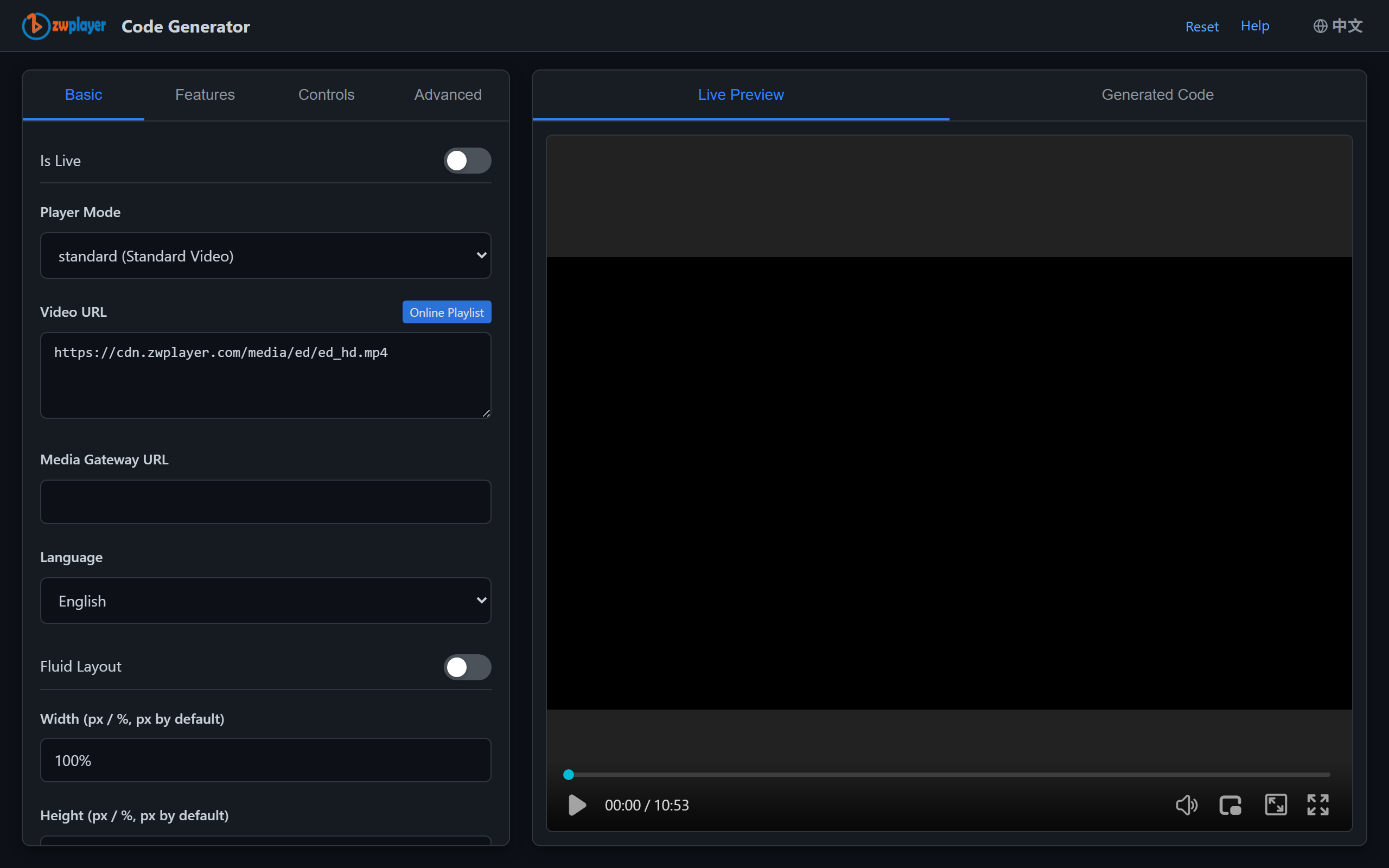 Figure 1: config form on the left, live-generated integration code on the right
The Workflow: Three Beats
- Source: video URL (protocol auto-detected — m3u8/mpd/flv/rtsp/rtc…), poster, autoplay and control-bar switches;
- Capabilities: subtitle tracks (incl. dual), watermarks, VR, chapters, thumbnails, playlists, dub tracks, LRC lyrics — form fields instead of field names to memorize;
- Copy the code: complete HTML (container, script tag, init) generated live, one-click copy.
The Real Pains It Solves
- Field-name dread:
hlsSubtitlePreloadorsubtitlePreload? Tick the box and it’s correct; - Missing dependencies: forgetting
translateApi(which hides the translate entry) is caught by form linkage; - Examples as docs: every config change diffs the generated code — the generator doubles as interactive documentation;
- Non-frontend friendly: editors fill the form and copy code; developers paste.
From Generated to Production
Generated code suits prototypes and launches; production projects should refactor it (config extracted to constants, mounting componentized). Framework integration (Vue/React/WordPress) is covered in Integrate ZWPlayer in 5 Minutes; every option’s semantics live in the ZWPlayer config reference.