
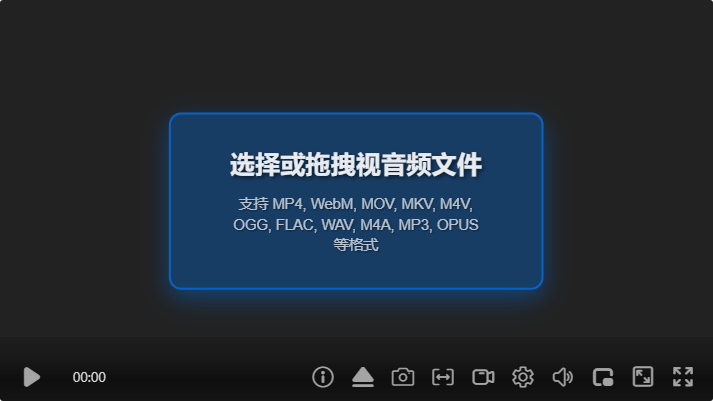
How to Share Video Links with Subtitles & Chapters
Still pasting raw video links? ZWPlayer's link sharing lets you first add subtitles, chapters, and interactive annotations to a video, then share it via a link or QR code. Recipients open a fully-featured smart player with subtitle search and translation, chapter navigation, A-B loop, picture-in-picture, and 4x volume. Non-destructive overlay processing keeps the original video intact—lightweight, editable sharing with real depth and interactivity.